Yes, it's strongly recommended since the syllabus creates clear course requirements and expectations. The syllabus is critical should there be grade appeals or in cases involving academic misconduct. See guidance on the use of artificial intelligence in teaching and learning at NIU
Faculty
Exploring or already using artificial intelligence (AI) in your teaching or academic work? NIU provides evolving guidance, tools and professional learning resources to support responsible and effective use of AI in teaching and learning.
Marketing mixer highlights AI expertise from Andy Jeon
Andy Jeon, assistant professor in the Department of Marketing in the College of Business, led a presentation at the Intelligent Marketing Mixer in January 2026 that helped professionals and prospective students explore how AI—especially deep learning—can shape marketing strategies and career opportunities.
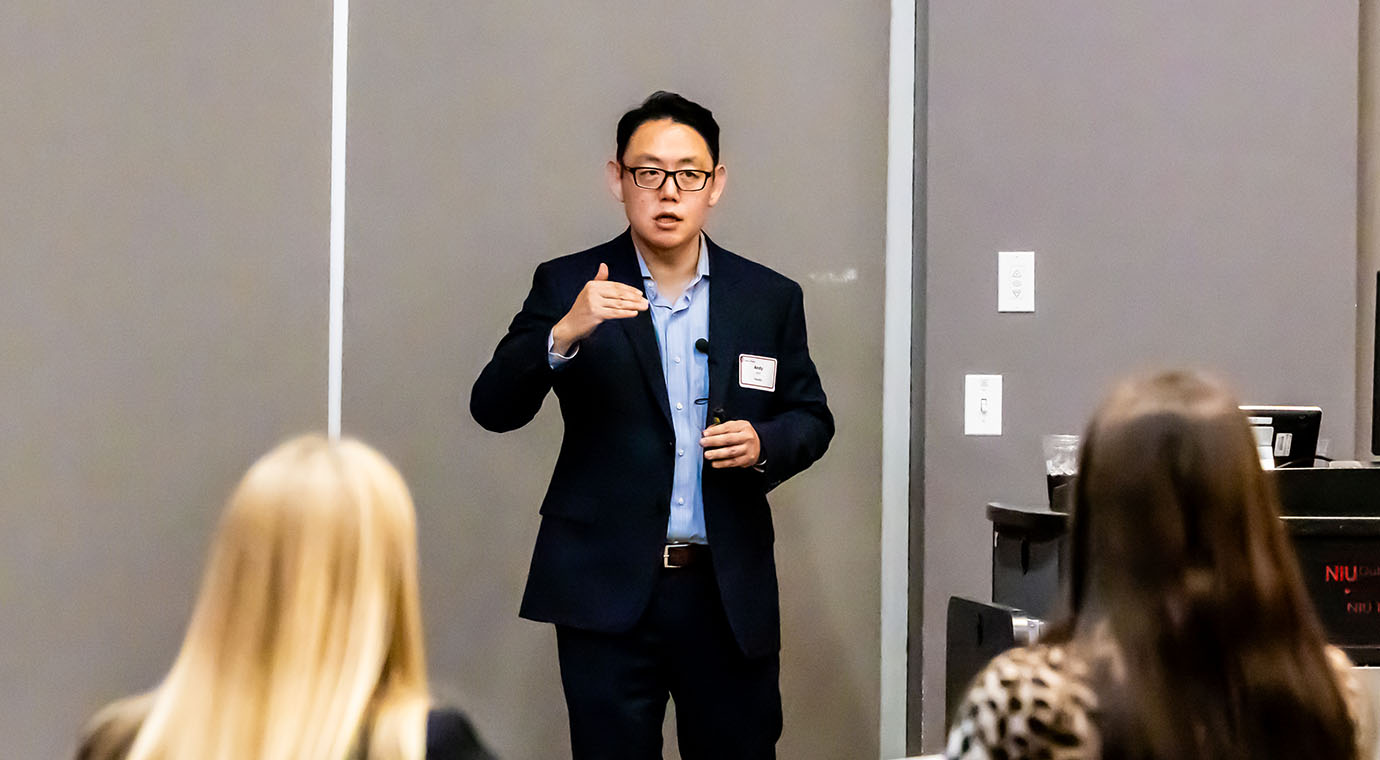
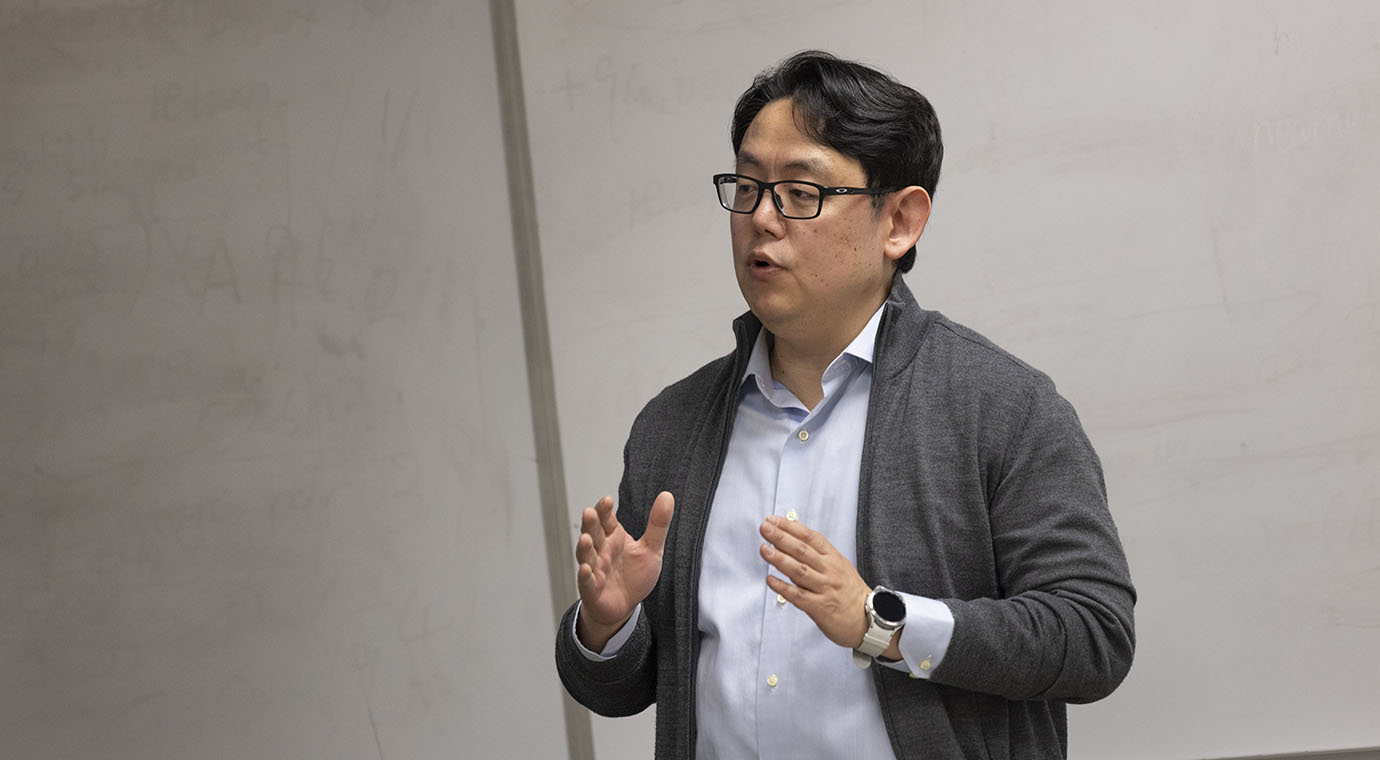
Andy Jeon shaping the future of AI in marketing
Andy Jeon, assistant professor in the Department of Marketing in the College of Business, is advancing the integration of artificial intelligence in marketing through research, teaching and industry engagement at NIU. His work explores how AI can enhance decision-making, customer insights and strategic communication, preparing students to lead in an increasingly data-driven business environment.
Honors seminar preparing students for an AI-driven future
Cindy York, associate professor in the Department of Educational Technology, Research and Assessment in the College of Education, taught an honors seminar in the fall 2025 semester titled, "Future Ready: Exploring the Role of Generative AI in Education and the Workplace."

Honors seminar preparing students for an AI-driven future
Cindy York, associate professor in the Department of Educational Technology, Research and Assessment in the College of Education, taught an honors seminar in the fall 2025 semester titled, "Future Ready: Exploring the Role of Generative AI in Education and the Workplace."
Andrea Guzman discusses AI on Talk Line
On this episode of Talk Line, host Brandon Clark chats with Andrea Guzman, associate professor of Communication and co-director of the Human-Machine Communication Lab, about artificial intelligence and how it's already shaping the way we get our information.
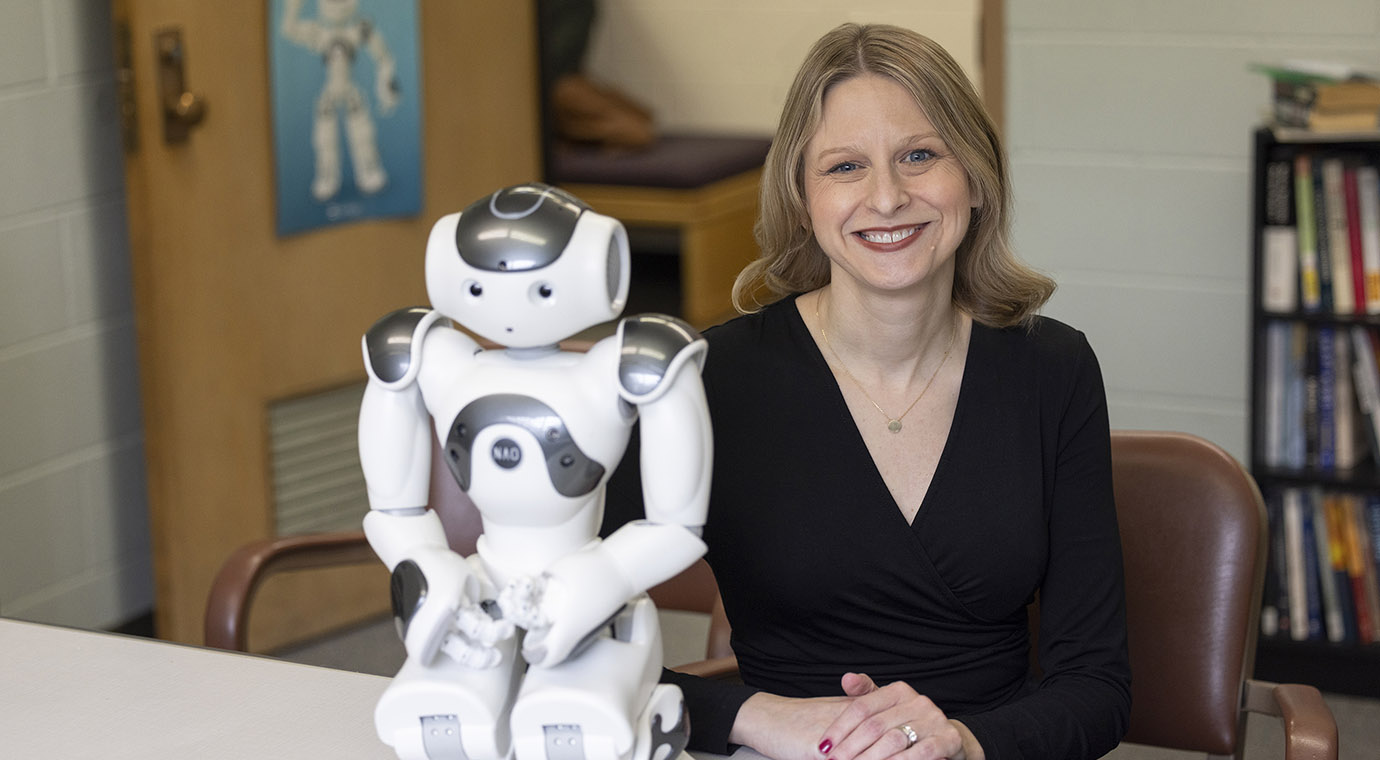
Andrea Guzman discusses AI on Talk Line
On this episode of Talk Line, host Brandon Clark chats with Andrea Guzman, associate professor of Communication and co-director of the Human-Machine Communication Lab, about artificial intelligence and how it's already shaping the way we get our information.
Guidelines
The guidelines below were developed to support students, faculty and staff navigating the use of AI technologies at NIU.
AI Ethical Guidelines
Concise set of values and practices to guide responsible, equitable, and transparent use of AI in teaching and learning at NIU.
AI Literacies Framework
Framework for building foundational awareness, effective teaching applications, and reflective practices for integrating AI responsibly into instruction at NIU.
AI Tool Evaluation Rubric
Rubric to guide the selection of academic student support services AI tools at NIU.
AI in Teaching and Learning
Guidance supporting faculty and students in navigating the responsible and ethical use of artificial intelligence in teaching and learning, while preserving course-level flexibility and alignment with NIU policies.

Join the NIU AI Network
The NIU AI Network is a community of practice that brings together faculty, staff and students to explore and advance ethical, equitable and mission-aligned uses of artificial intelligence. Through collaboration and shared learning, the network supports the discovery and exchange of AI use cases, needs and approaches across campus. It also promotes understanding of AI’s opportunities, risks and trade-offs in support of teaching and learning.
Policies
The university continues to evaluate the impact of artificial intelligence on teaching, learning and student engagement as part of our broader academic and operational planning. Faculty and staff are encouraged to stay informed about their responsibilities related to protecting the security and privacy of personal data and intellectual property when using AI tools.
Responsible Use
NIU provides a number of approved AI tools and technologies to support teaching and learning. These tools are covered by agreements with vendors to ensure compliance with university policies and applicable data privacy laws. Because they offer important protections not guaranteed by publicly available large-language AI tools, NIU recommends that students, faculty and staff use only AI tools that have been vetted and approved through the appropriate university processes.
Tools
These tools have been licensed by NIU and are available to all NIU faculty and align with the NIU AI Ethical Guidelines.

Adobe Firefly, Express and Creative Clouds
Authoring, Communication, Digital Literacy, Digital Storytelling
Use AI-powered features like image generation in Adobe Firefly and Express, generative fill in Photoshop, automated design assistance in InDesign and Illustrator and automated transcription in Adobe Podcast and Premiere Pro.
For NIU faculty, staff and students
AI Assistant for Adobe Acrobat
Authoring, Communication, Digital Literacy, Digital Storytelling
With AI Assistant in Adobe Acrobat, you can ask your document questions and get quick answers linked to sources in the doc. One-click generative summaries automatically pull out key points to help you navigate and get important info fast.
For NIU faculty and staff
Blackboard AI Design Assistant
LMS, Assessment, Authoring
Get a head start on some of the time-consuming aspects of building a course, like generating images, writing assessment prompts and test questions, building learning modules, creating rubrics and developing formative role play or Socratic dialogues.
For NIU faculty

Microsoft 365 Copilot
Chat, Productivity
Chat with Copilot in Windows, mobile apps, at m365.niu.edu or in Microsoft Teams. NIU’s M365 license includes commercial data protection to safeguard sensitive university data when stored and processed within the platform.
For NIU faculty, staff and students
Training
See the resources below to take advantage of the AI training and support currently available at NIU.
AI Quick Start Guide
Understand the basics of generative AI tools, set your course syllabus statement and policies, and make informed choices on the use of AI in your classroom.
AI in Teaching Toolkit
This toolkit provides resources for you to explore generative artificial intelligence and how to get started with applying AI in your teaching.
Workshops on AI
Upcoming workshops as well as recorded workshops available for on-demand viewing.
More AI Tips
Find the latest tips and recommendations shared by NIU faculty and staff for use of AI in teaching.
Frequently Asked Questions
Be explicit about:
- Where AI is allowed or not allowed (by assignment type)
- What "allowed" means (brainstorming vs. drafting vs. generating final work)
- Disclosure/citation expectations
- Data/privacy boundaries (what students should never upload)
NIU's sample policy collection is a useful starting point for language and structure.
Yes. AI can be used as an "assistant" for tasks like generating examples, scenarios, prompts, practice questions, explanations and other instructional materials—while keeping you, the faculty member, in control.
Yes, NIU provides several AI-powered tools licensed for the NIU community (availability may vary by role) that have broad instructional use. The list includes tools like Adobe Creative Cloud, AI Assistant for Adobe Acrobat (faculty and staff), Blackboard AI Design Assistant (faculty), Quinncia career readiness tools (students) and Microsoft 365 Copilot.
When possible, NIU faculty are encouraged to use Micorosft 365 Copilot for instructional and academic work because it operates within NIU’s licensed Microsoft environment and includes commercial data protection, offering stronger privacy, security and compliance standards than many publicly available AI tools.
Use of AI detection tools is discouraged for evaluating student work. Research and practitioner experience show that these tools frequently produce false positives and are not reliable indicators of whether AI was used.
In particular, AI detection tools have been shown to disproportionately flag work written by:
- Neurodivergent students
- Students whose first language is not English
- Students with distinctive writing styles or evolving academic voice
Instead of AI detectors, faculty are encouraged to:
- Clearly communicate expectations for AI use in the syllabus and assignment instructions
- Design assignments that emphasize process, reflection or course-specific context
- Engage students in conversations about how (or whether) AI tools were used
- Use existing academic integrity processes grounded in evidence, documentation and professional judgment
One effective starting point is to use the faculty and student Academic Integrity Tutorials, which are self-paced online modules designed to supplement classroom discussions about academic integrity and responsible use of tools, including AI.
In addition, faculty are encouraged to:
- Discuss course-specific expectations for AI use early and often
- Include clear AI-related language in the syllabus and assignment instructions
- Invite questions from students about what is and is not allowed
- Use examples or scenarios to illustrate appropriate and inappropriate AI use
Open, proactive conversations about AI help set clear expectations, reduce misunderstandings, and support a culture of academic integrity and responsible learning.
Suggest a Resource
Have a resource that you'd recommend adding? Email it to ai@niu.edu.